Your own words
From a single word to a few lines of text. Place as many widgets as you like.

Crisp Widget for
Text
Goals, mottos, notes, to-do lists. Put any text on your home screen in the font you like. You can even insert the time and date into your text.
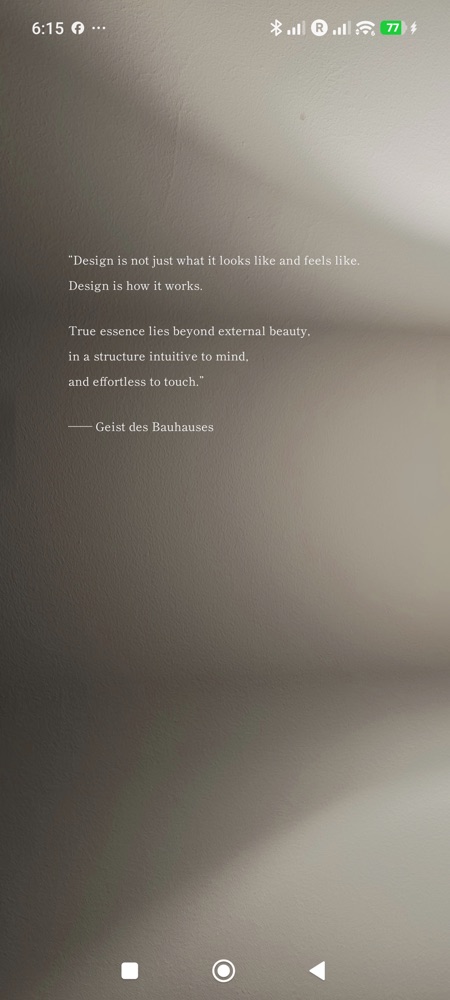
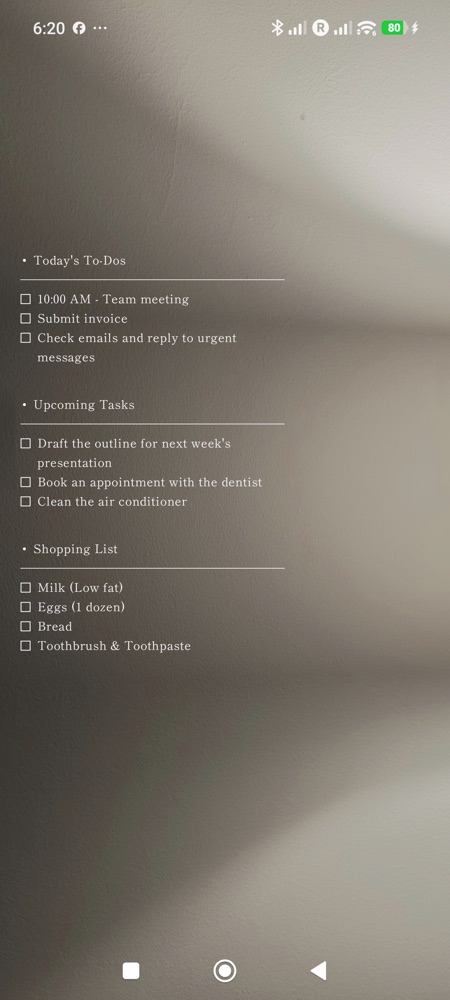
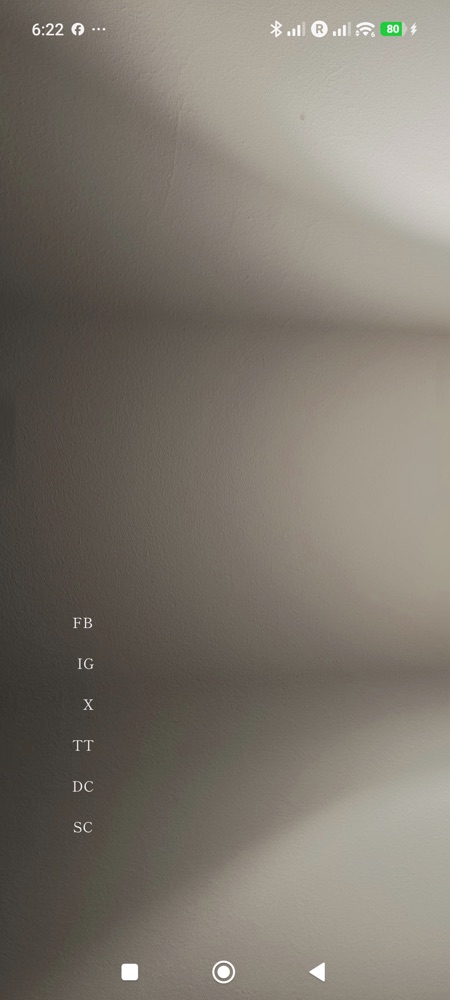
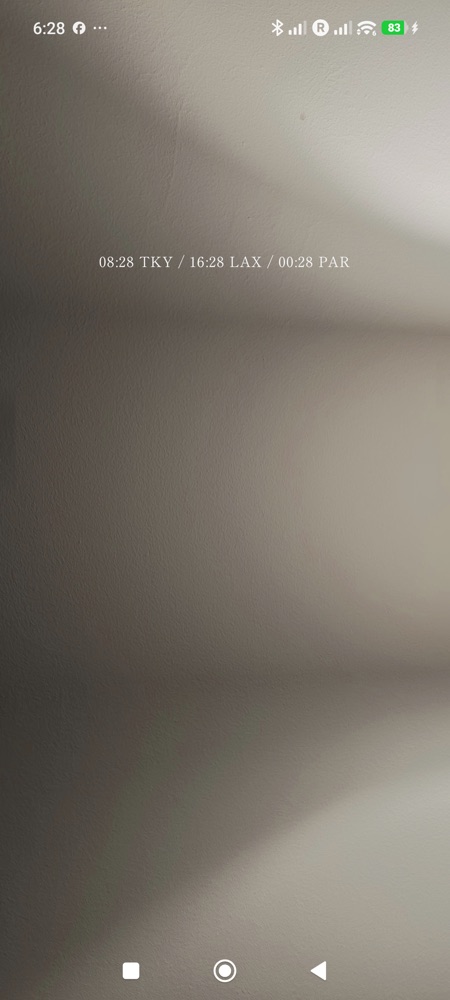
From a single word to a few lines of text. Place as many widgets as you like.
Write {TIME} or {TIME:Europe/Paris} and the current time, or the time in another city, appears in that spot. Search for a city in the list; daylight saving time switches automatically.
Start a line with "[ ] " for a checkbox, "- " for a bullet, or "---" for a horizontal rule. Tap a line on the widget to check it off (paid version).
Choose which app opens on tap, for each widget or for each line. Line 1 opens your calendar, line 2 your notes, and so on (paid version).
Appearance settings such as color and size, and time and date tags, are free. Unlock only the features you need with a single purchase.
| Feature | Free | Paid (one-time purchase) |
|---|---|---|
| Text and number of widgets | Unlimited | Unlimited |
| Time and date tags | All | All |
| Color, size, line height, letter spacing, alignment | All | All |
| Fonts | 2 (Gothic, Mincho) | 25 |
| Checkboxes, bullets, horizontal rules | — | Available |
| Opens on tap | Settings screen | Any app (per widget or per line) |
| Fonts for parts of the text or individual lines | From 2 | From 25 |
The paid version is yours to keep after a single purchase (not a subscription). Check the price in the app on Google Play.