Analog and digital
Fine-tune the color and opacity of the hands and dial, and the font of the numbers. You can also choose whether to show the second hand.

Crisp Widget for
Clock
Analog and digital clocks, plus a stopwatch, timer and interval timer. Measure time with the buttons on the widget, without opening the app.
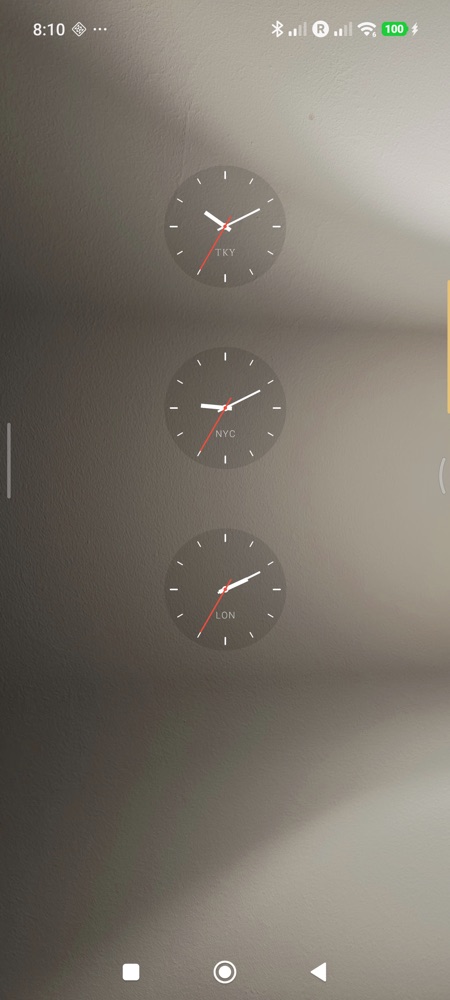
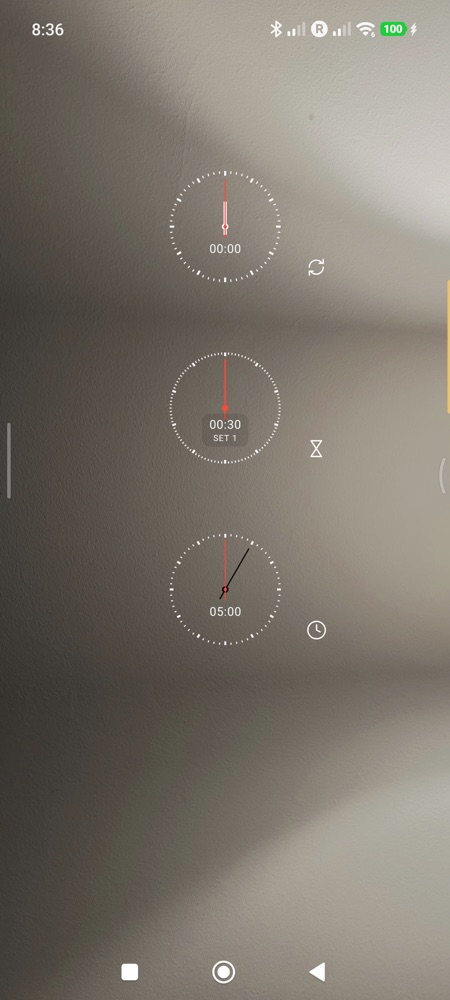
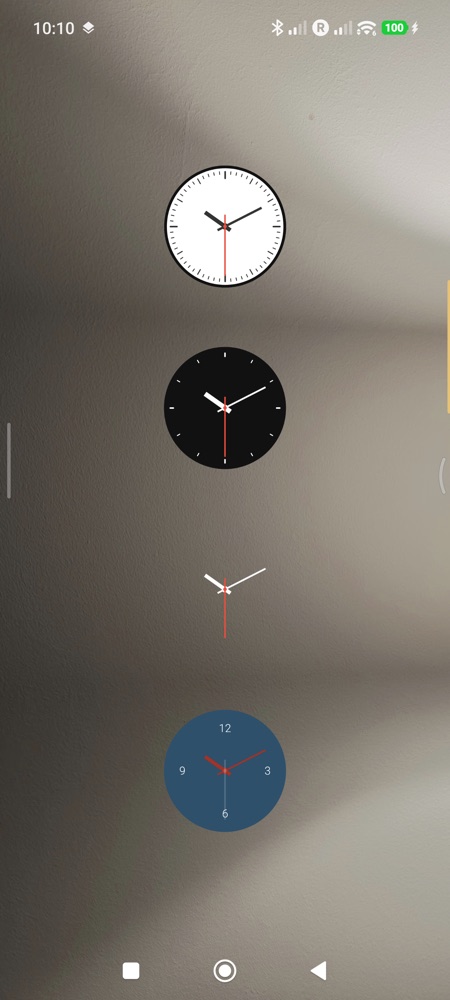
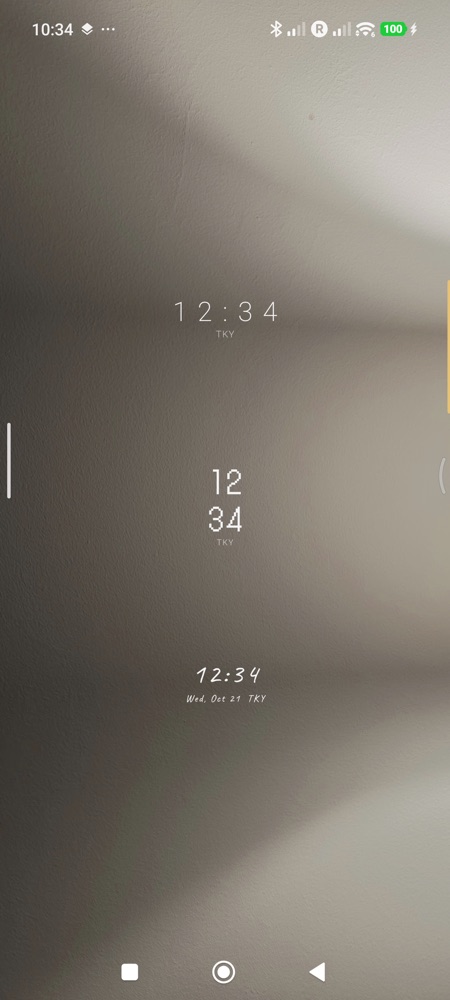
Fine-tune the color and opacity of the hands and dial, and the font of the numbers. You can also choose whether to show the second hand.
Clock, stopwatch, timer and interval. Set the timer's minutes and seconds with a single dial.
When turned on, the screen stays on while you are timing (requires the "Display over other apps" permission).
The end of a timer and each interval change are announced with vibration and sound, even when the screen is off.
All appearance settings are free. Unlock only the features you need with a single purchase.
| Feature | Free | Paid (one-time purchase) |
|---|---|---|
| Clock | Unlimited | Unlimited |
| Number of widgets | Unlimited | Unlimited |
| Stopwatch | Up to 60 seconds per run | Unlimited |
| Timer | Up to 60 seconds per run | Unlimited |
| Interval | Up to 3 sets | Unlimited |
| Opens on tap | Clock app / Settings | Any app you choose |
| Appearance settings | All | All |
The paid version is yours to keep after a single purchase (not a subscription). Check the price in the app on Google Play.